 2x
2x 99.7%
99.7%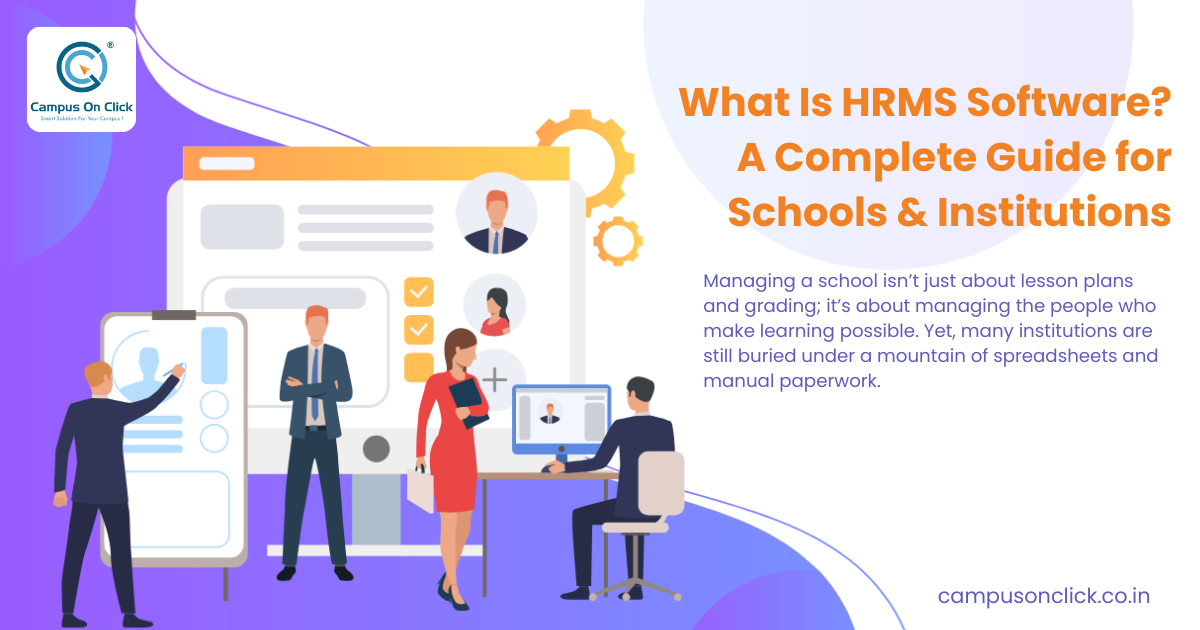
Managing a school isn’t just about lesson plans and grading; it’s about managing the people who make learning possible. Yet, many institutions are still buried under a mountain of spreadsheets and manual paperwork.
Fragmented records and payroll errors don't just cause headaches—they drain your budget and frustrate your staff. If you’re struggling to track teacher attendance, manage certifications, or process salaries on time, you aren't alone.
The solution is a dedicated Human Resource Management System (HRMS). This guide explores how HRMS software is revolutionizing school administration, ensuring you spend less time on data entry and more time on education.
What is HRMS Software for Schools?
An HRMS (Human Resource Management System) is a digital suite designed to automate and centralize all employee-related tasks. In an educational context, it serves as the backbone of your administrative department.
Unlike generic HR tools, a school-specific HRMS handles unique requirements like academic scheduling, substitute management, and faculty credential tracking. It bridges the gap between traditional HR and school management.
The Evolution of HR Tech in 2026
In 2026, HRMS platforms have moved beyond simple databases. They now leverage AI-driven insights to predict staffing needs and cloud-native security to protect sensitive employee data. For schools, this means real-time access to information from any device.
Core Features of a School HRMS
To truly transform your institution, your software should offer more than just a digital filing cabinet. Here are the non-negotiable features:
1. Centralized Employee Database
Store everything from contact details and employment contracts to background checks and teaching certifications in one secure location.
2. Automated Payroll Management
Handling various pay scales, increments, and tax deductions manually is a recipe for disaster. An HRMS automates:
- Salary calculations based on attendance.
- Statutory compliance (EPF, ESI, Taxes).
- Digital payslip generation.
3. Attendance and Leave Tracking
Integration with biometric devices or mobile geo-fencing allows for real-time attendance tracking. The system automatically adjusts leave balances and alerts administrators of unauthorized absences.
4. Recruitment and Onboarding
Post job openings to multiple portals, track applicants through the interview pipeline, and digitize the onboarding process to give new faculty a professional first impression.
5. Performance Management
Ditch the annual paper review. Use the HRMS to set KPIs for staff, collect 360-degree feedback from peers and students, and track professional development milestones.
Why Schools & Institutions Need an HRMS Today
The educational landscape is more competitive than ever. Here is why upgrading your "people operations" is no longer optional:
Elimination of Human Error
Manual data entry leads to mistakes in payroll and compliance. An automated system ensures that your calculations are 100% accurate, 100% of the time.
Enhanced Data Security
Paper files are vulnerable to theft, fire, and loss. A cloud-based HRMS uses end-to-end encryption and role-based access to ensure only authorized personnel see sensitive data.
Better Resource Allocation
By analyzing attendance and workload data, principals can identify which departments are overstaffed and where more support is needed, optimizing the school's budget.
Teacher Retention and Satisfaction
When payroll is on time and leave requests are handled transparently, staff morale improves. A self-service portal allows teachers to view their own data, reducing friction with the HR office.
Implementation: How to Transition Smoothly
Moving from paper to pixels can feel daunting. Follow these steps for a successful rollout:
- Audit Your Current Process: Identify where the bottlenecks are. Is it payroll? Recruitment?
- Data Migration: Clean your existing data before importing it into the new system to avoid "garbage in, garbage out."
- Staff Training: Conduct workshops for teachers and admin staff. If they don't know how to use it, the ROI will be zero.
- Phased Rollout: Start with core modules like the Employee Database and Payroll before moving to Performance Management.
Frequently Asked Questions
1. What is the difference between HRIS and HRMS?
While often used interchangeably, an HRIS (Human Resource Information System) typically focuses on data management, while an HRMS (Human Resource Management System) includes more complex elements like payroll and performance management.
2. Is HRMS software secure for schools?
Yes. Modern HRMS platforms use bank-grade encryption and secure cloud hosting (like AWS or Azure) to ensure that staff records and financial data are protected against breaches.
3. Can an HRMS help with regulatory compliance?
Absolutely. The system can be programmed with local labor laws and educational regulations, automatically flagging any discrepancies in tax filings or certification renewals.
4. Does the software support mobile access?
Most leading HRMS solutions in 2026 offer mobile apps or responsive web portals, allowing teachers to apply for leave or view payslips directly from their smartphones.
5. How long does it take to implement an HRMS?
For most schools, a full implementation takes between 4 to 8 weeks, depending on the volume of data and the complexity of the custom modules required.